Answer in 2 sentences
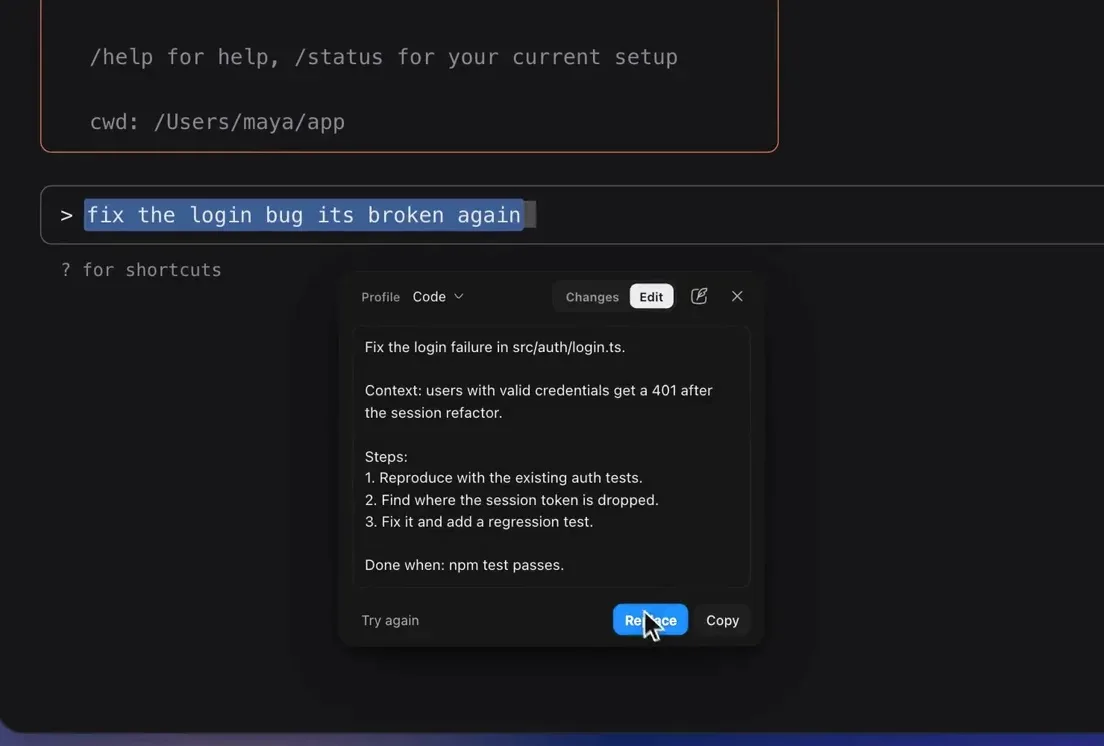
Most grammar checkers were built for documents and email, not AI chat boxes, so they often don't run inside ChatGPT. PromptDC works directly in the chat box, fixing grammar and improving your prompt in one click before you send it.
Why grammar matters in AI prompts
Clear writing isn't just polish, in an AI prompt, typos and unclear phrasing can change what the model understands. A clean, well-structured prompt usually gets a better answer the first time, with fewer retries.
The problem with most tools
Many writing assistants only activate in certain editors, or they require copy-pasting your text into a separate app and back. That breaks your flow when you're moving fast inside an AI chat.
How to fix grammar inside AI chats with PromptDC
- Install the PromptDC browser extension.
- Open ChatGPT, Claude, Gemini, or any AI chat.
- Type your prompt as usual.
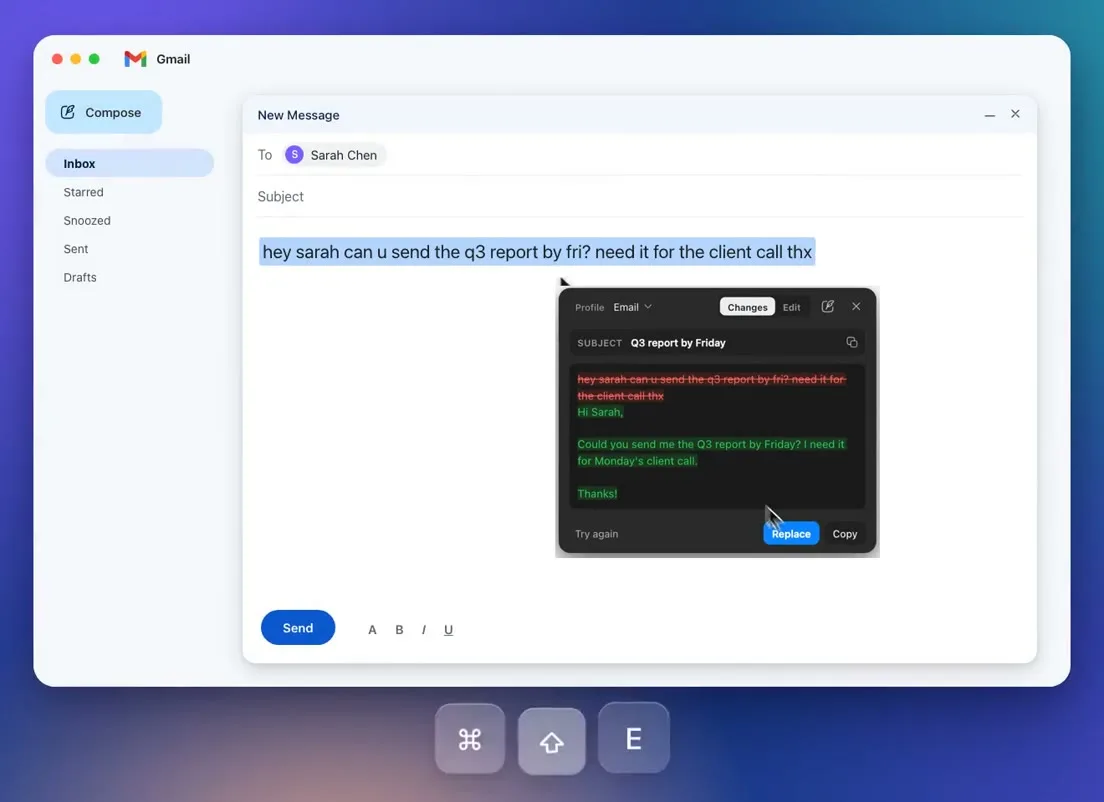
- Run the Grammar profile to correct spelling, grammar, and punctuation in place, or run a rewrite profile to improve clarity and structure.
- Send the cleaned-up prompt.
The same workflow runs in email, docs, and social sites, so you only learn it once. Learn more on the AI grammar checker page.
Beyond grammar
Once your text is clean, PromptDC can also rewrite it for tone, summarize it, or turn rough notes into a professional email, all from the same extension. Explore the writing assistant.
FAQ
Does Grammarly work inside ChatGPT? Coverage varies; PromptDC is designed to work inside AI chats specifically.
Will it change my meaning? The Grammar profile only fixes errors and awkward phrasing, it preserves your wording and intent.
Is it free? No. PromptDC is a paid tool, with plans starting at $9 per month.
CTA
See the AI grammar checker or the Grammarly alternative for AI.