// Coding prompts
Enhance your promptsInside your editor's AI chat
Two-click enhancement
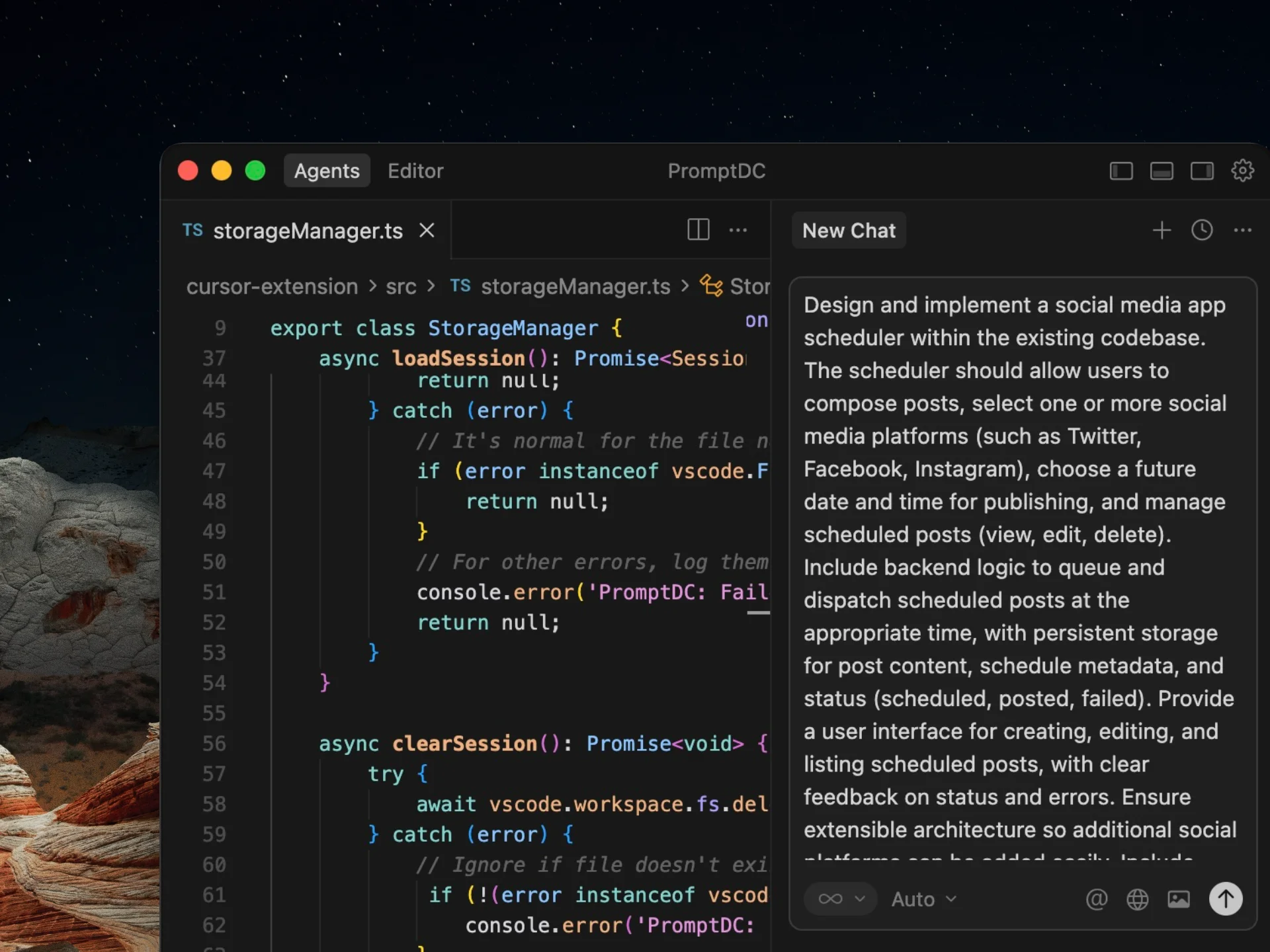
Enhance the prompt you type in your editor's AI chat with two keyboard shortcuts. PromptDC rewrites that prompt with improved clarity and structure for better coding results.
Simple output
Get quick, focused enhancements in a single paragraph for small tasks.
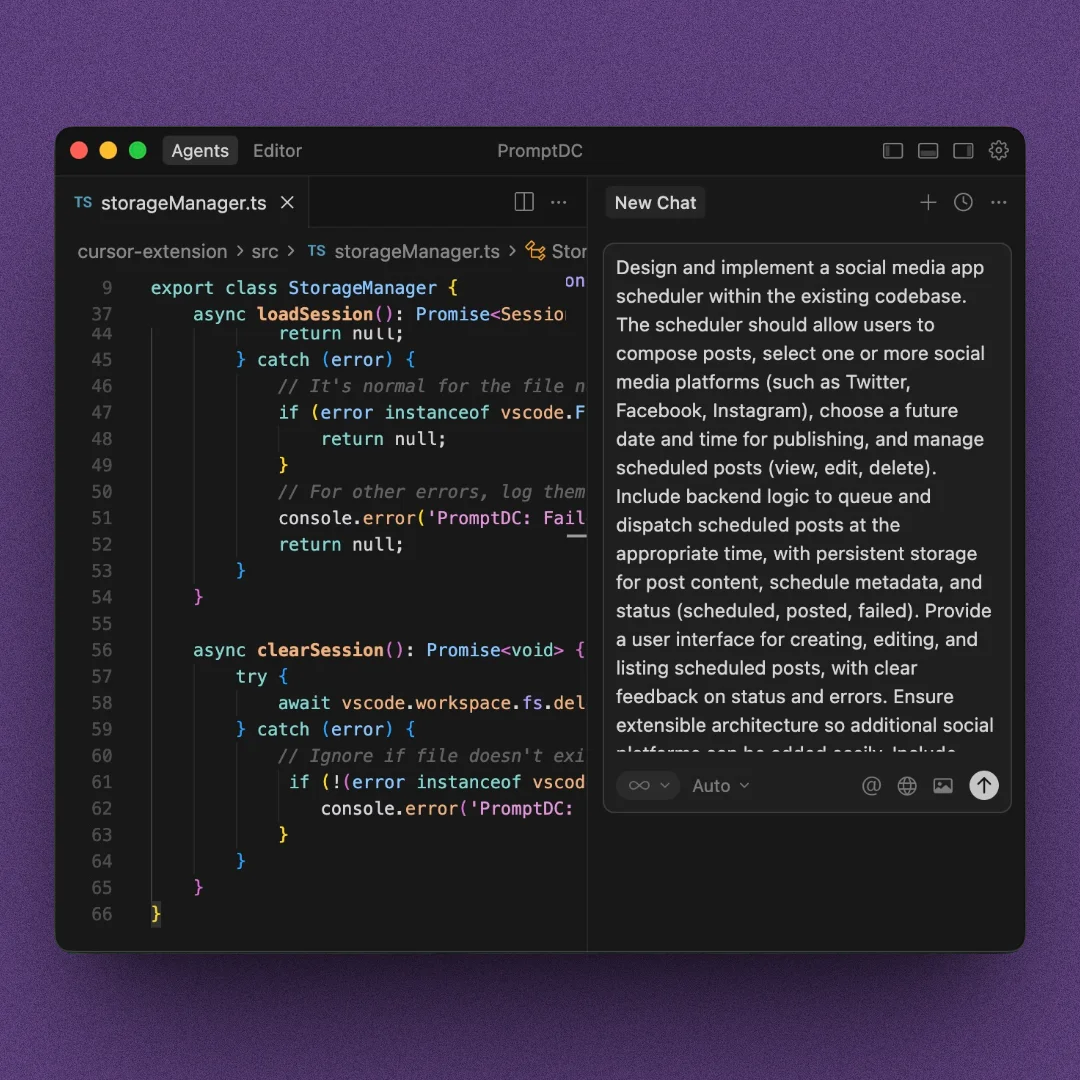
Structured output
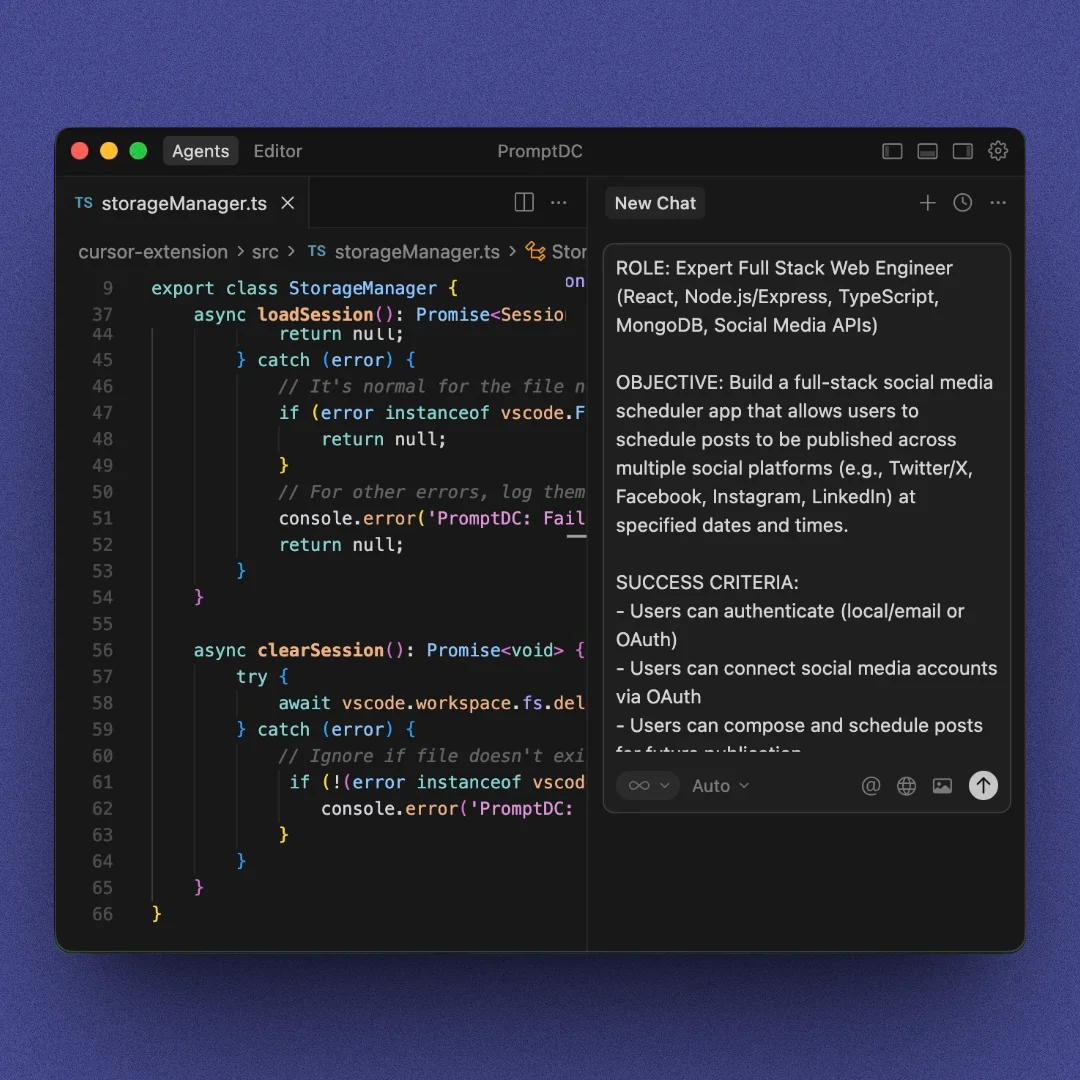
Receive organized output with sections for complex, multi-step tasks.
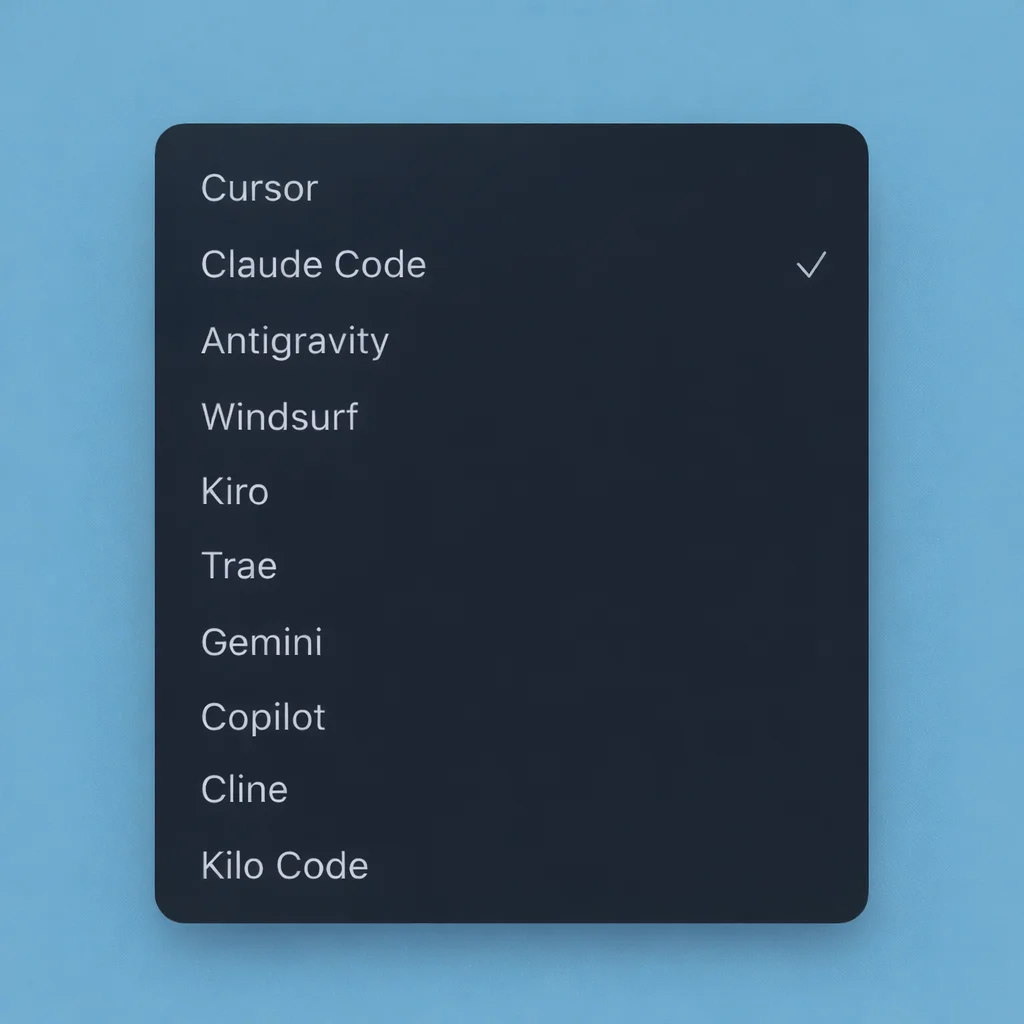
Target agent selection
Choose the target agent in the sidebar so the editor chat prompt is rewritten for that agent.
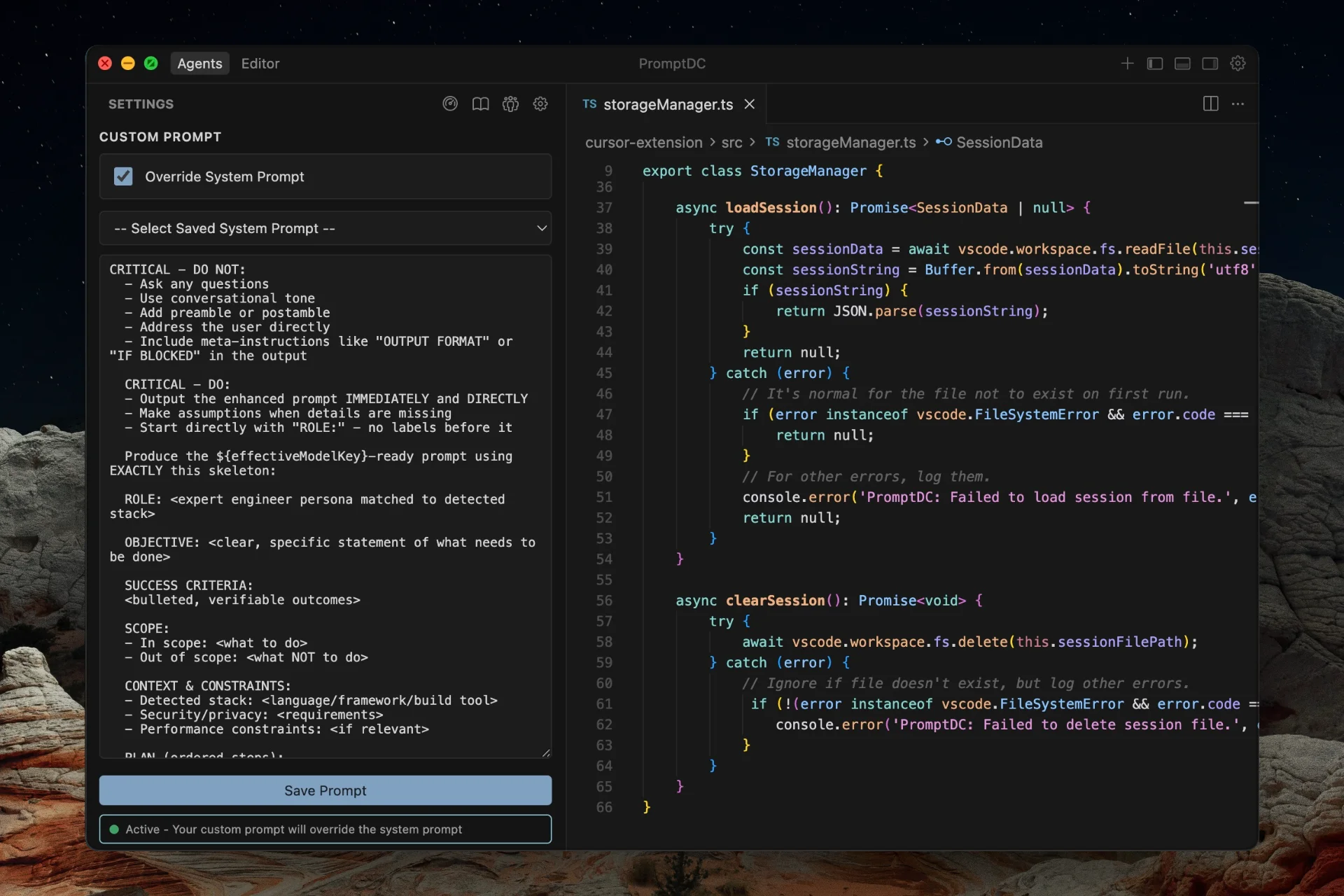
Custom prompt
Replace the default enhancement logic with your own system prompt. Perfect for custom frameworks, coding styles, or domain-specific rules. Save reusable prompts to your Library.
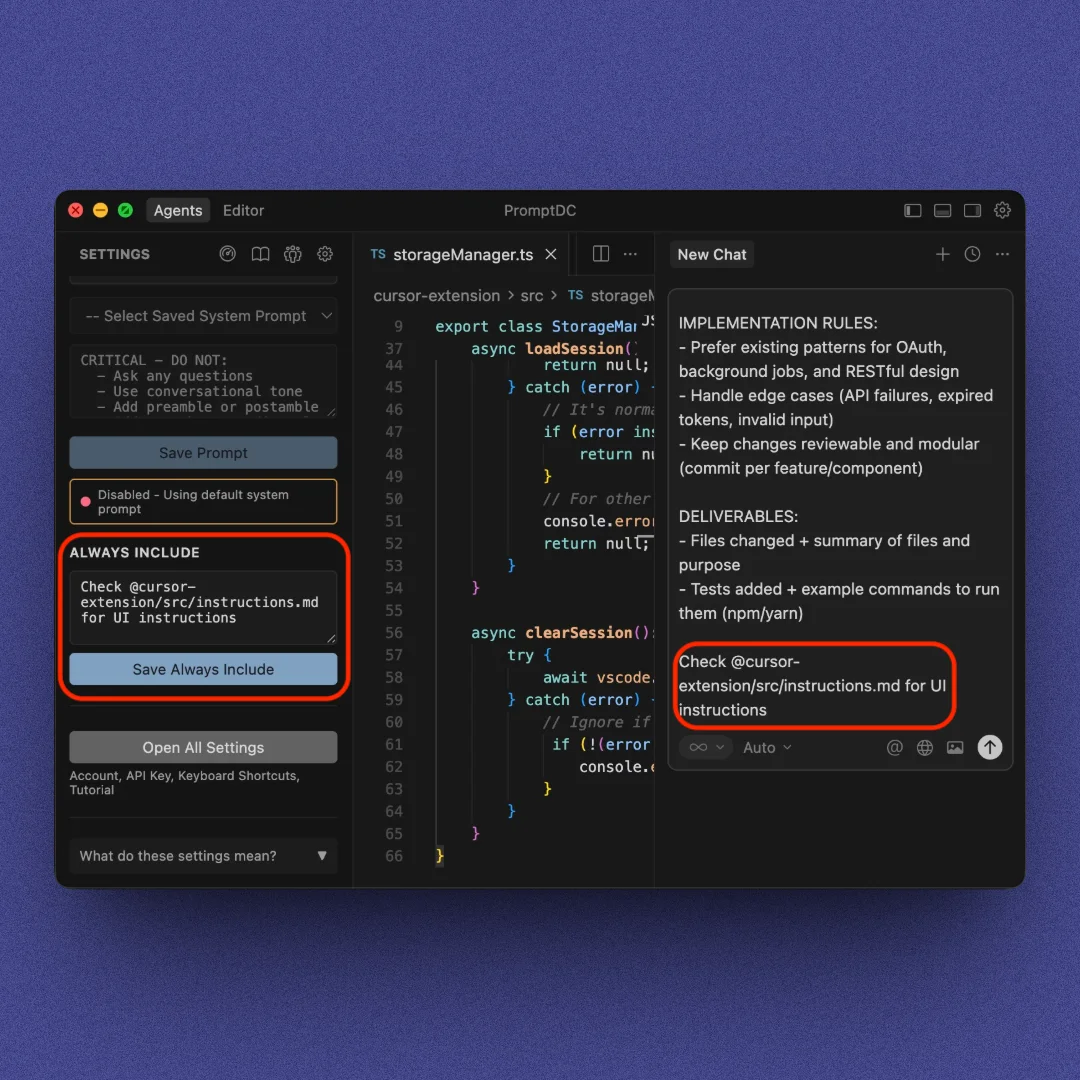
Always include
Add custom text to the end of every enhanced prompt for rules or context.
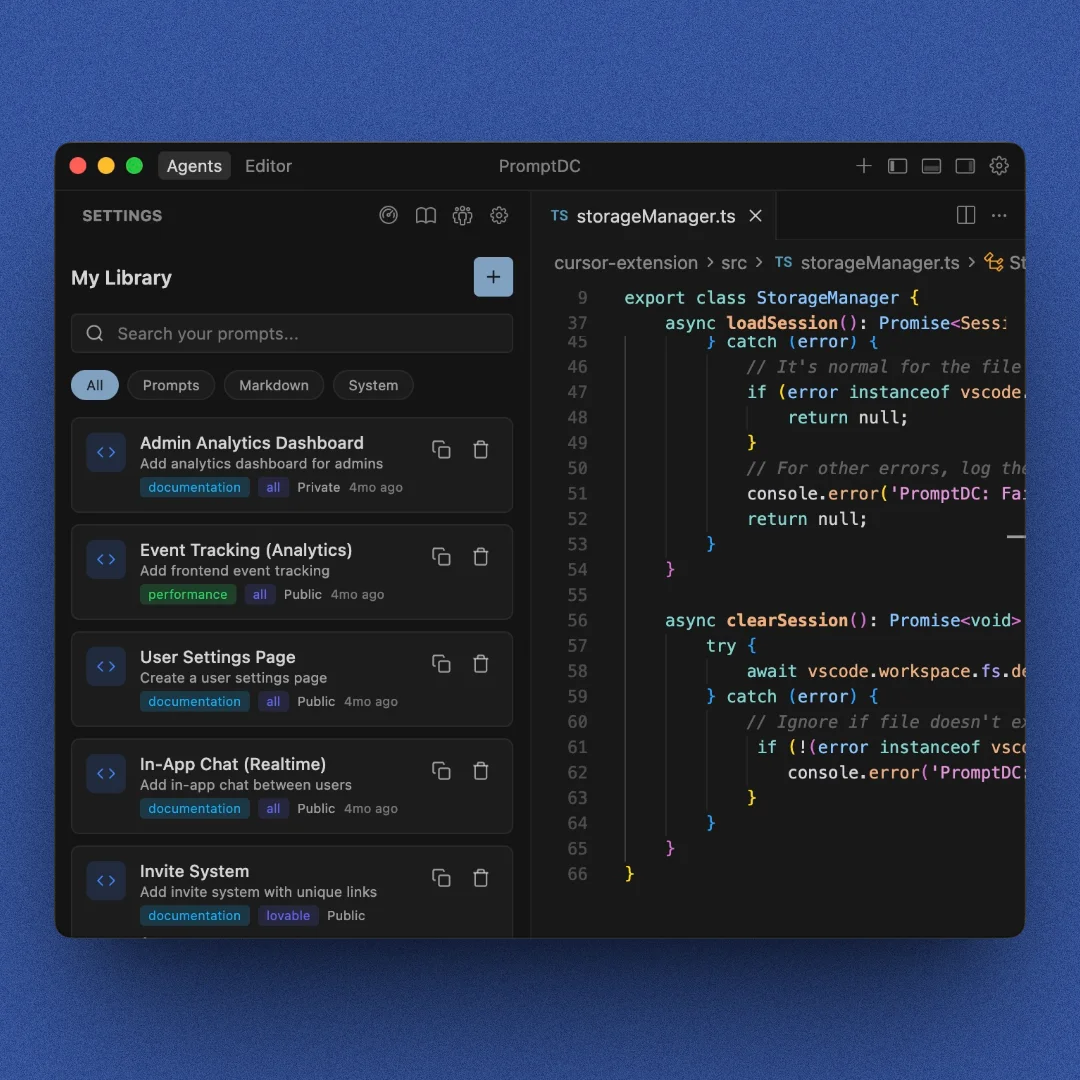
Personal library
Save your own prompts or files and reuse them instantly in any project.
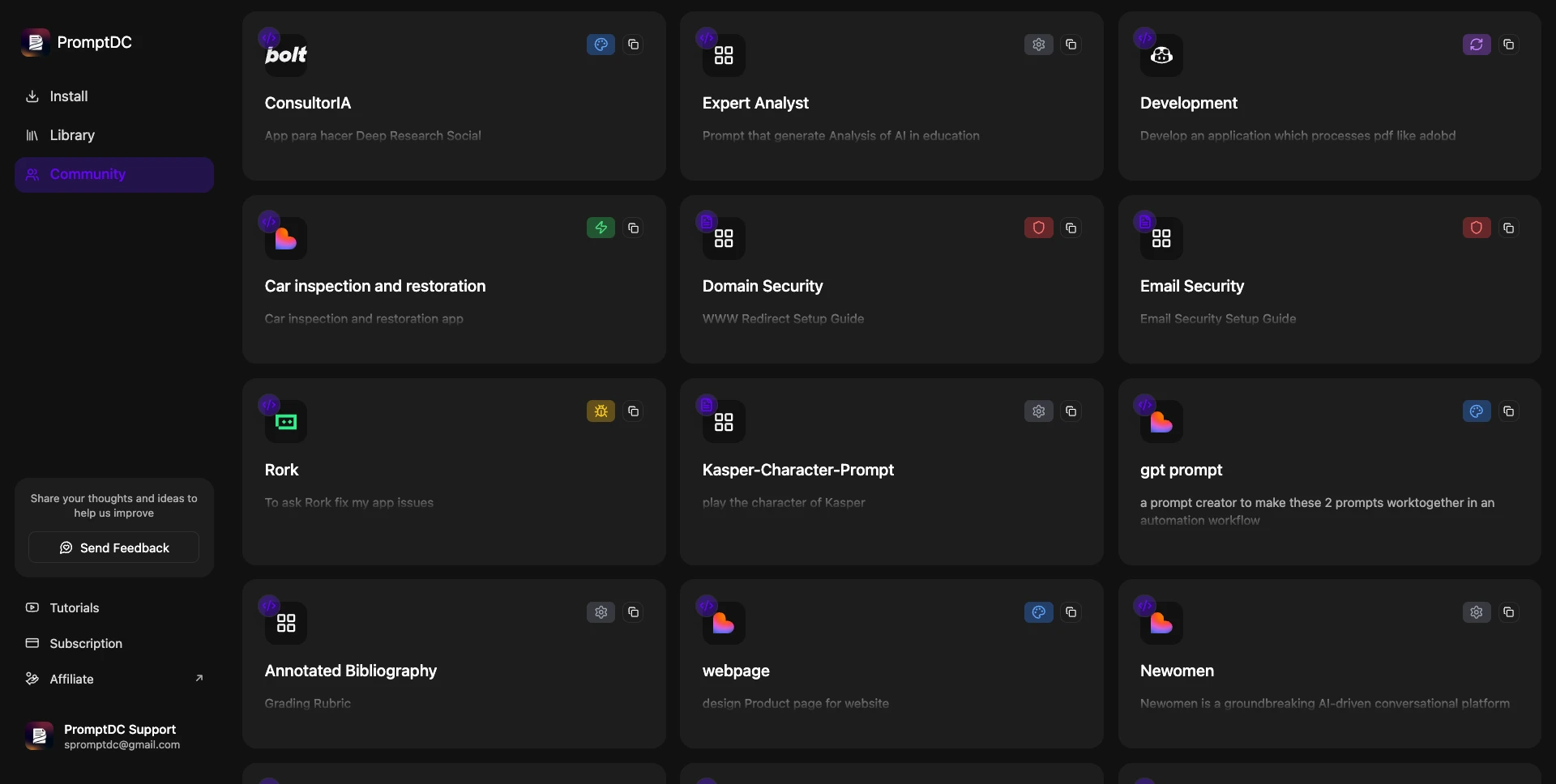
Community library
Explore, copy, and reuse prompts or files shared by the PromptDC community.
// Core features
More ways to customize. Control every detail.
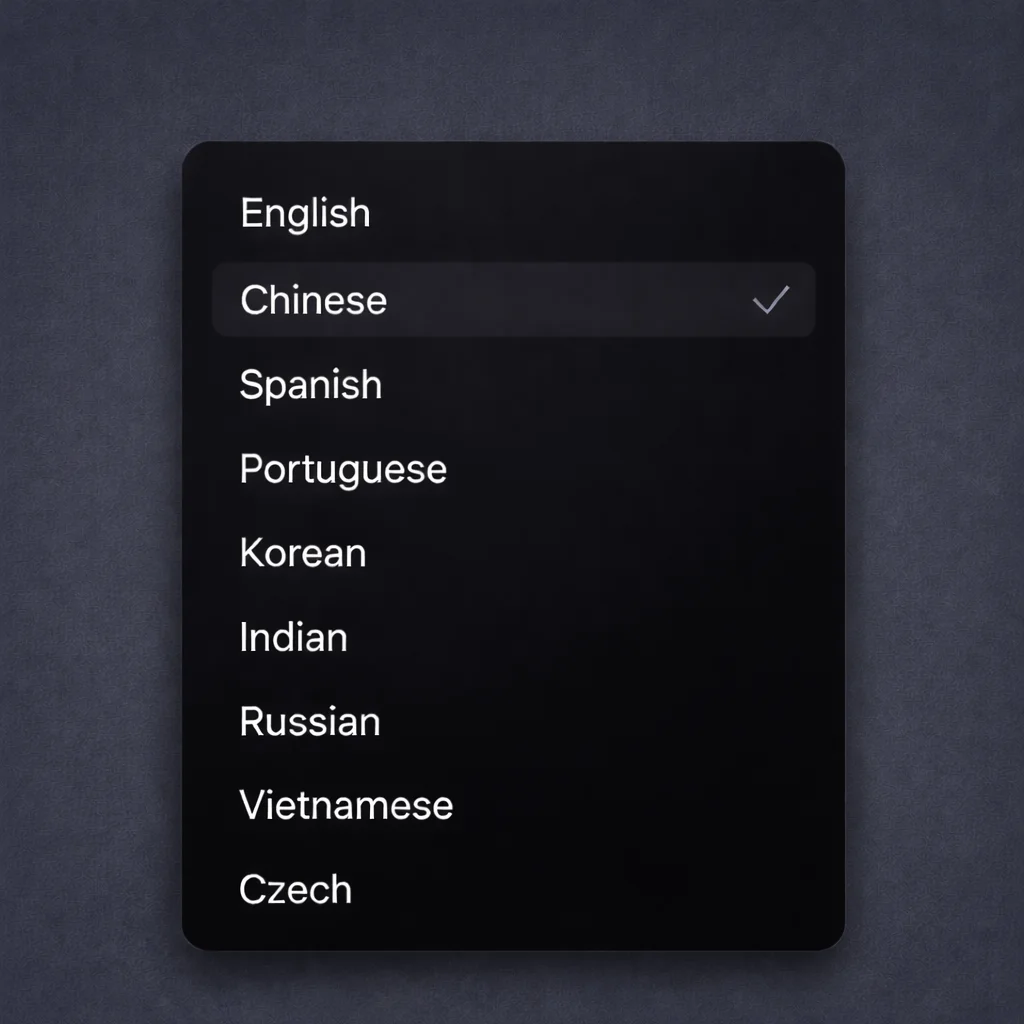
Language support
Enhance your prompts in different languages like Spanish, Chinese, Czech, and more.
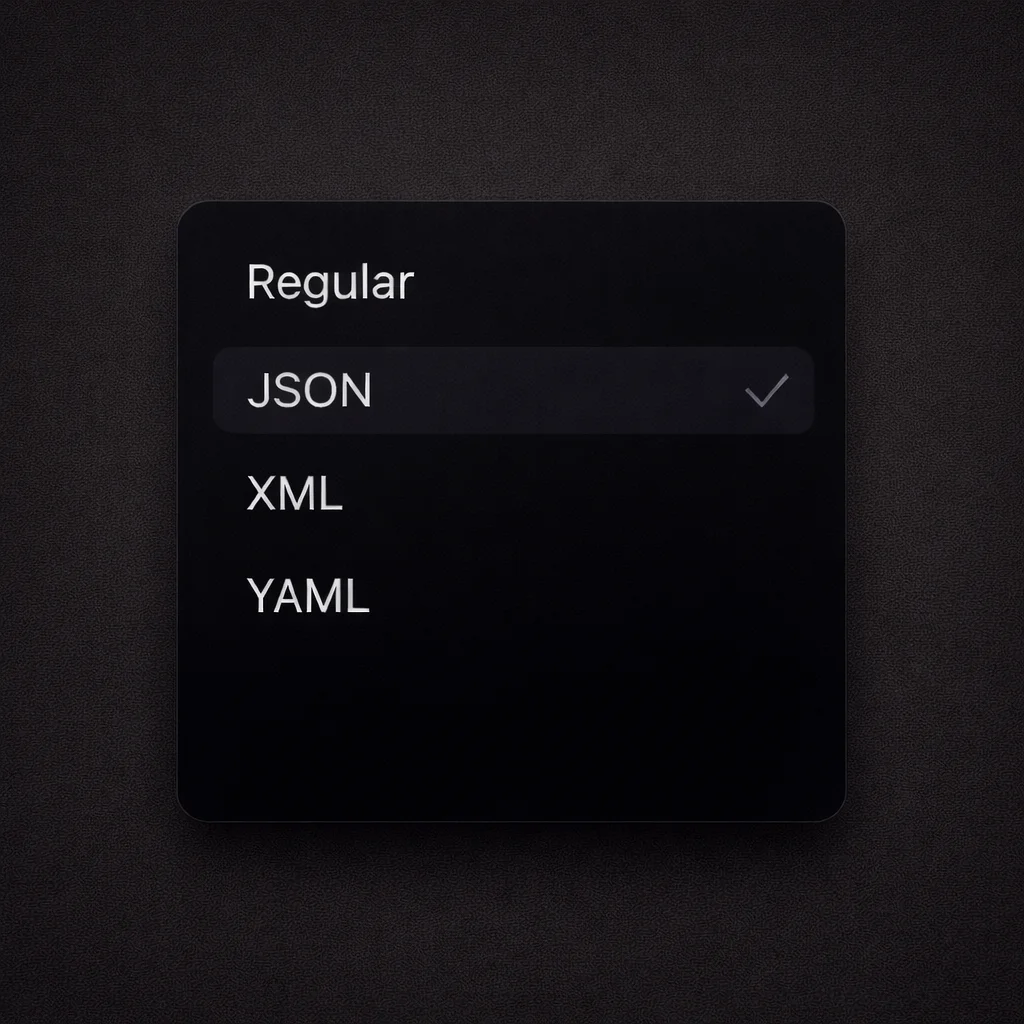
Format options
Output enhanced prompts in Regular, JSON, XML, or YAML format with one click.
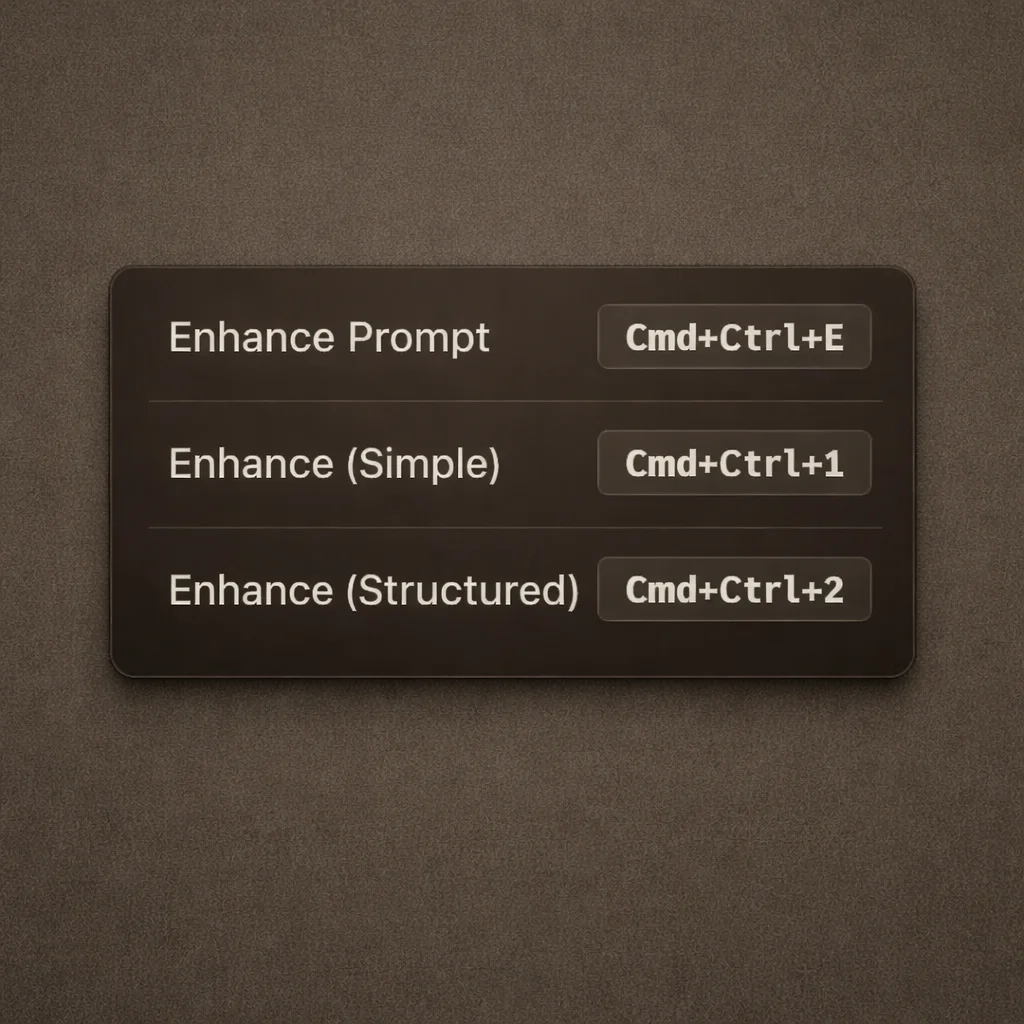
Enhancement shortcuts
Set different keyboard shortcuts for Simple and Structured output to switch fast.
Enhance your coding prompts.
Right where you code.
For clearer instructions, faster output, and better
coding results.