Changes and Edit views
Changes marks deletions in red and additions in green. Edit lets you adjust the rewrite before you replace or copy it.
Fix grammar, draft emails, sharpen posts, and turn rough prompts into great ones in one click. It works in any text box and on any text you select, on any website, from Gmail to a blog you want summarized.
 Gmail
Gmail Google Docs
 LinkedIn
 WhatsApp
 X
X Facebook
 Reddit
 Outlook
 Notion
 Slack
Slack Instagram
 Threads
 Discord
 Telegram
 Medium
 Substack
 Quora
Quora ChatGPT
 Claude
 Gemini
 GrokGmailGoogle DocsLinkedInWhatsAppXFacebookRedditOutlookNotionSlackInstagramThreadsDiscordTelegramMediumSubstackQuoraChatGPTClaudeGeminiGrok
hey sarah just tried promptdc for a week and its been great for cleaning up my emails and slack messages before i send them, i think the whole team should get it, can we talk about licenses on monday thanks jordan
Hi Sarah,
I have been using PromptDC for a week, and it has been great for cleaning up my emails and Slack messages before I send them. I think the whole team would benefit from it.
Could we talk about licenses on Monday?
Thanks, Jordan
Hi Sarah,
I have been using PromptDC for a week, and it has been great for cleaning up my emails and Slack messages before I send them. I think the whole team would benefit from it.
Could we talk about licenses on Monday?
Thanks, Jordan
Profiles, per-app defaults, and review controls, all inside the desktop app.
Changes marks deletions in red and additions in green. Edit lets you adjust the rewrite before you replace or copy it.
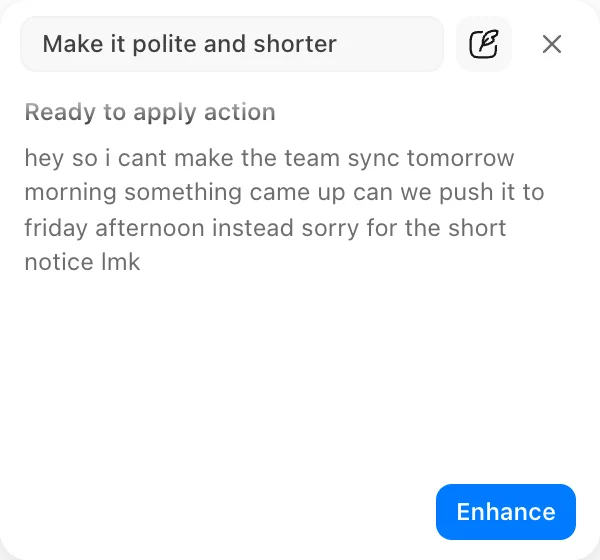
Type a one-off instruction like make it shorter. Your saved profiles stay unchanged.
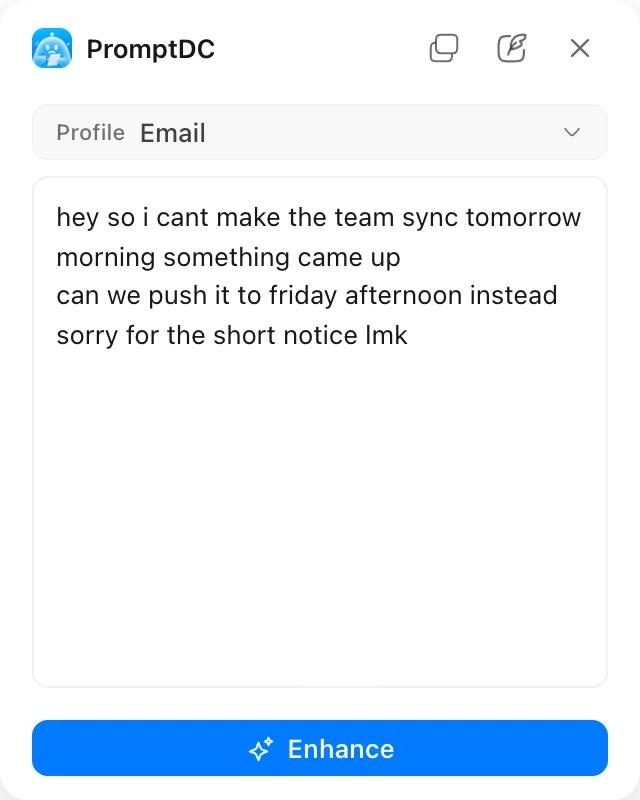
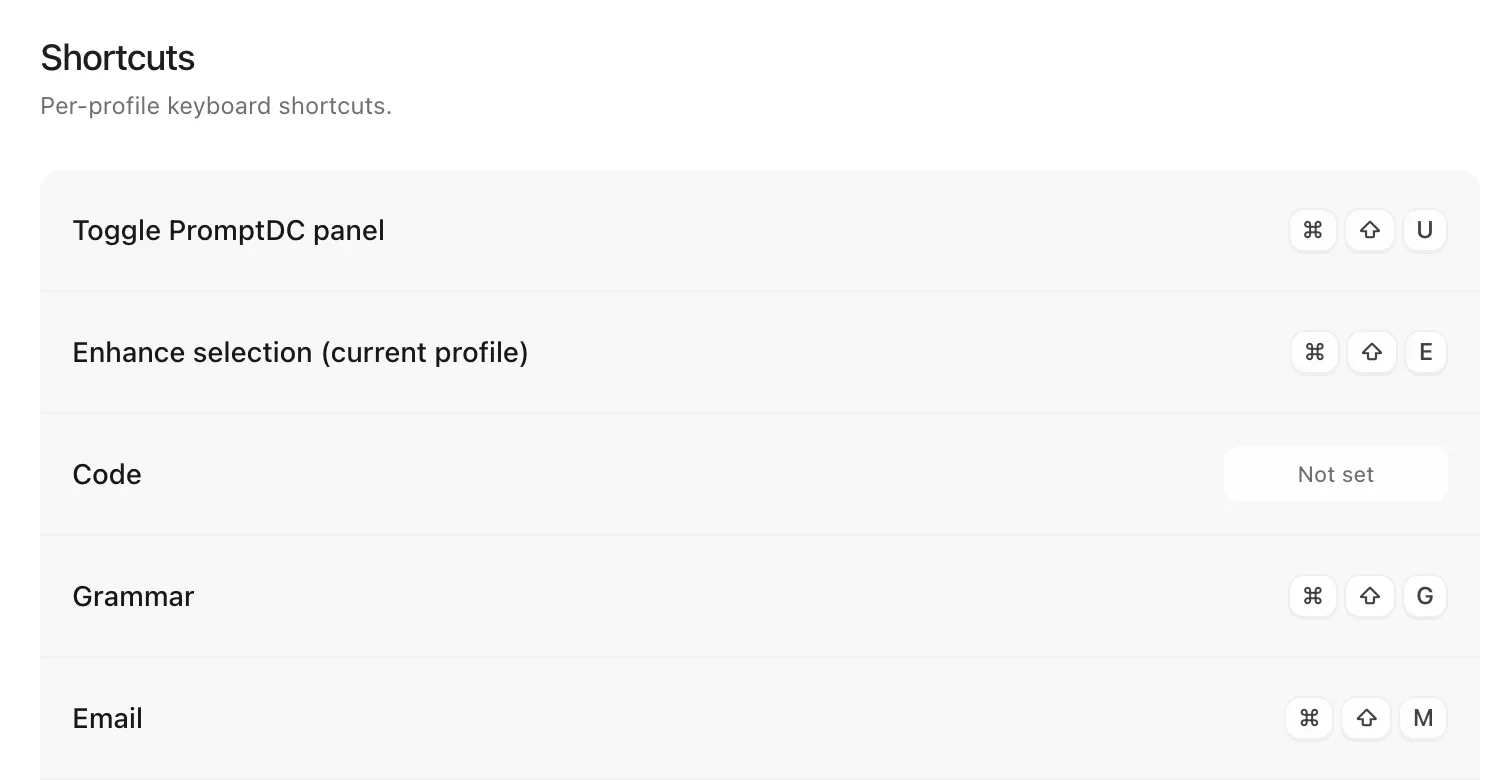
Press Cmd+Shift+U to open the panel, then type or paste text when there is nothing selected.
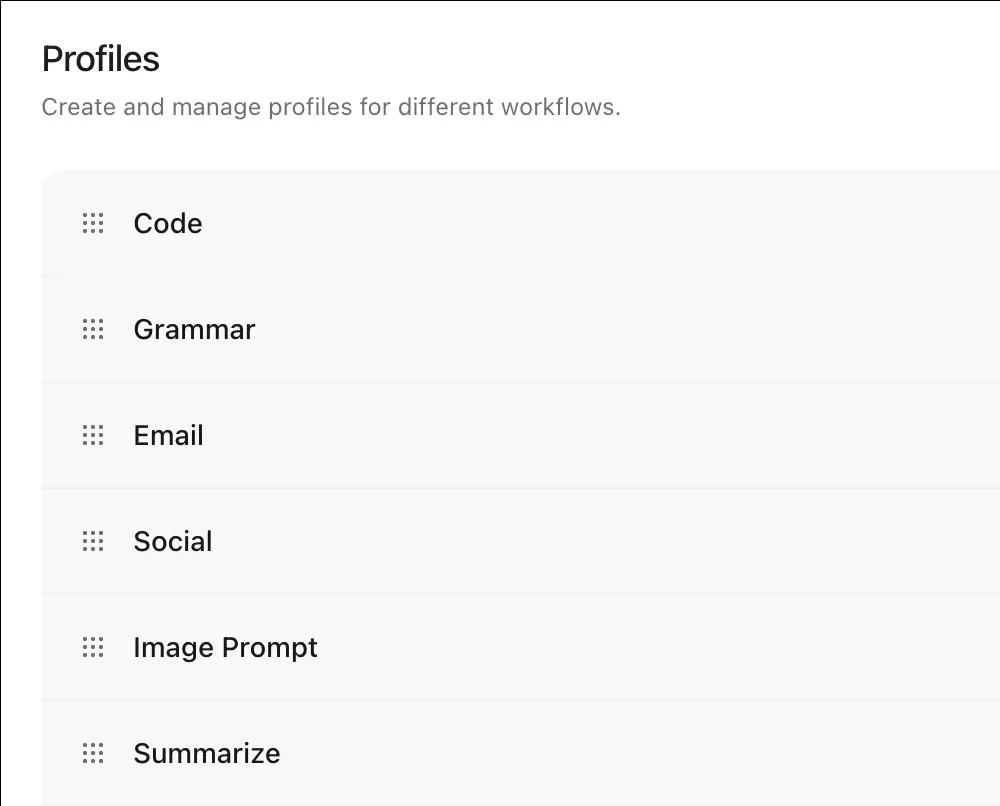
Grammar, Email, Social, Reply, Summarize, Code and more, plus your own custom profiles.
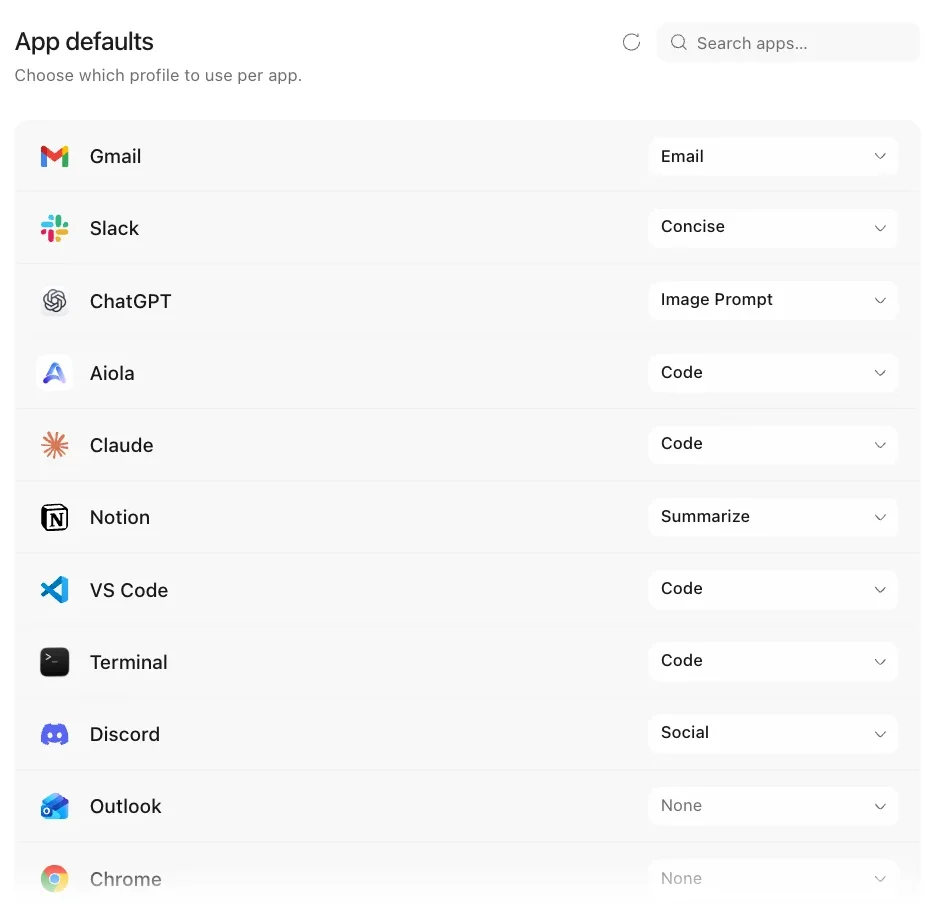
Mail opens with Email and Slack with Concise. Pick a default profile for each app you use.
Give each profile its own shortcut, so Grammar or Email runs on your selection without opening a menu.
Select, press one shortcut, and the rewrite lands right where you were writing.
01
Highlight the text you want to improve in any app or browser on Mac or Windows.
02
Press Cmd+Shift+E or Ctrl+Shift+E and the popover opens with your profile.
03
Review the rewrite, then Replace pastes it over your selection or Copy it.

Enhance any text you select in any app on desktop, in browsers, in your editor or terminals.
Download PromptDC