Everyday writing in any app
Grammar, emails, replies, social posts and summaries. Select your text, press the shortcut and a better version replaces it right where you wrote it.
Fix grammar, write better emails, replies and social posts, and get better results from your AI prompts in any chat, browser, coding app and terminal.
Download for MacThis extension is already earning its keep. PromptDC helps me tighten up prompts fast, which translates into better code with fewer reruns. I emailed the developer some feedback and he was super responsive. And the next updates clearly reflected what I mentioned. Feels like a tool that’s actively improving instead of abandoned.
 IspaydeuOpen VSX
Just a congrats on a really, really helpful tool. It has completely changed the accuracy of of the output. What a time-saver.
 Marius BakkennInsighto
Nice big little prompt helper tool, just what I needed.
 Kresimir Grancaric
 Chrome Web Store
A very handy tool. Thank you PromptDC team!
 Evolve Digital LabsChrome Web Store
Great tool! Thank you.
 Petr KrálChrome Web Store
Very useful I love it
 Noah SommerfeldChrome Web Store
the best
 Ahmed ElbazChrome Web Store
Emails, replies, posts and coding prompts, fixed right where you type them.
Grammar, emails, replies, social posts and summaries. Select your text, press the shortcut and a better version replaces it right where you wrote it.
Get better coding results in any AI coding app.
Enhance your prompts inside any coding CLI and get better results.
Ten built in, or write your own so every rewrite sounds like you.
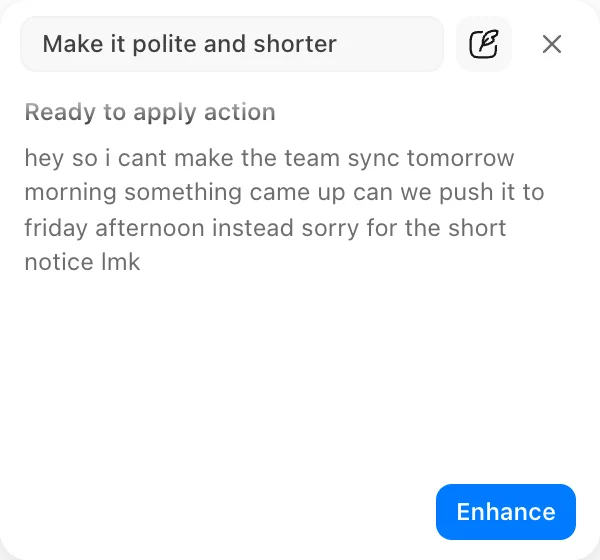
Want it shorter or friendlier just once? Just ask.
See exactly what changed before you accept it, and fix any word yourself before you replace or copy.
Better prompts for your AI tools, and clearer, more professional text in every app.
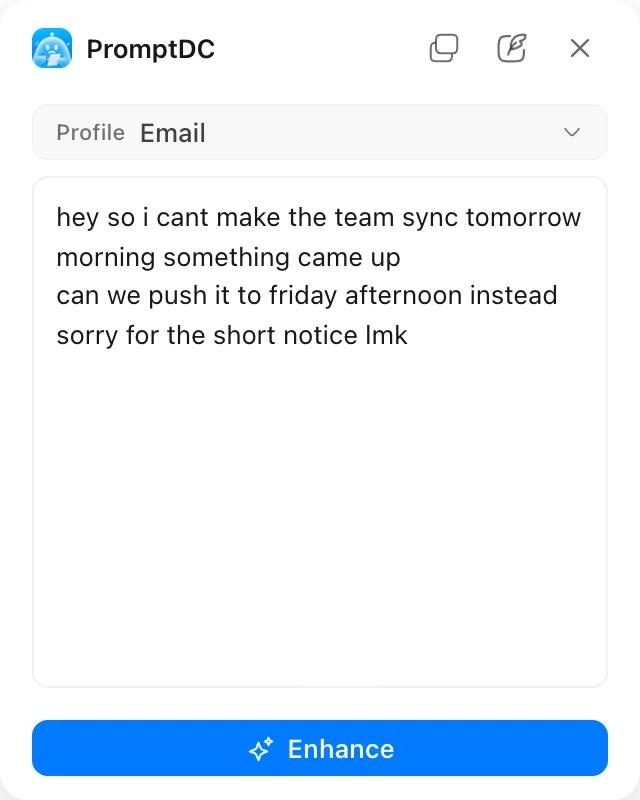
Nothing selected? Paste text in the panel, enhance it and copy the result anywhere.
Get better coding results from your enhanced prompts, in every CLI you use.
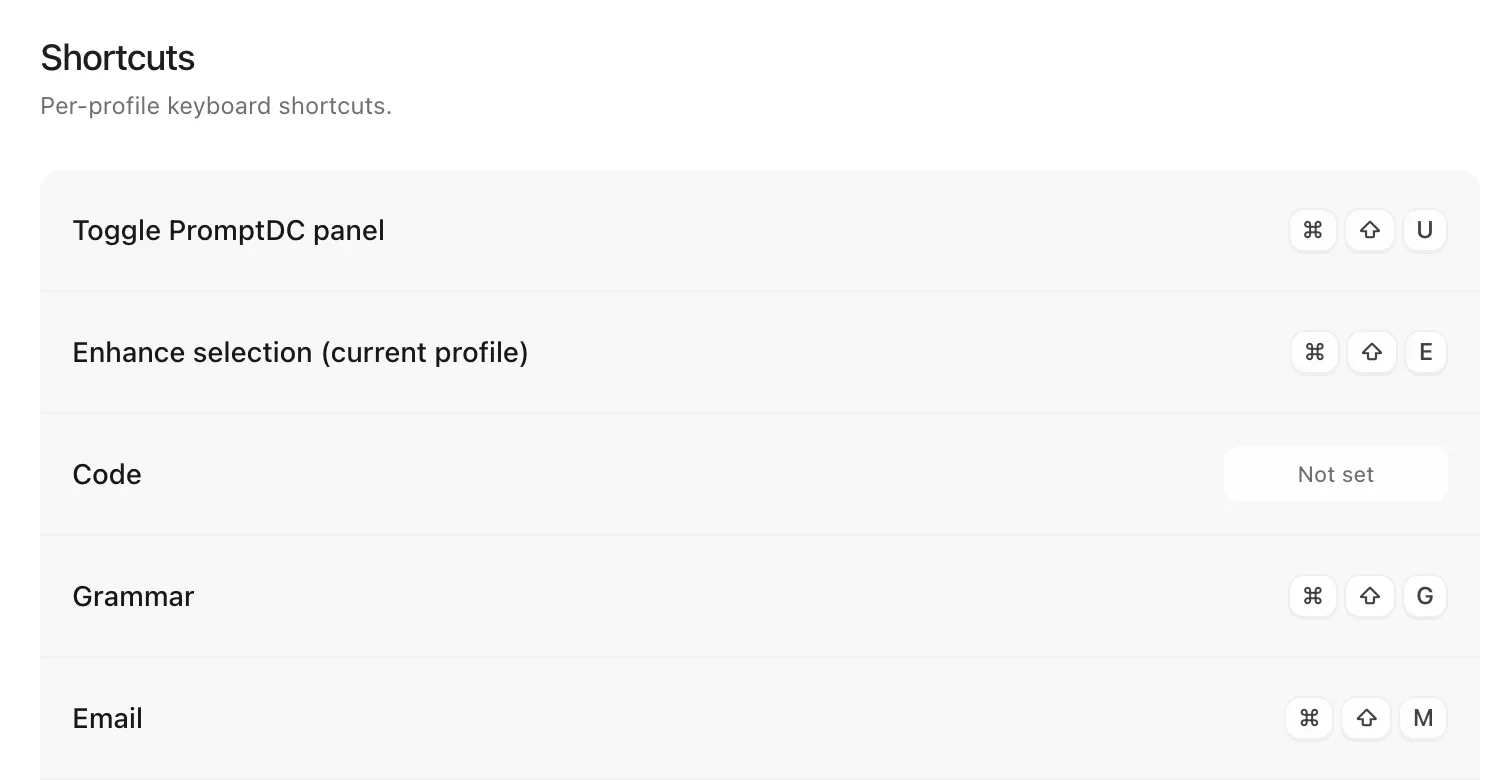
Give each profile its own shortcut and skip the menu entirely.
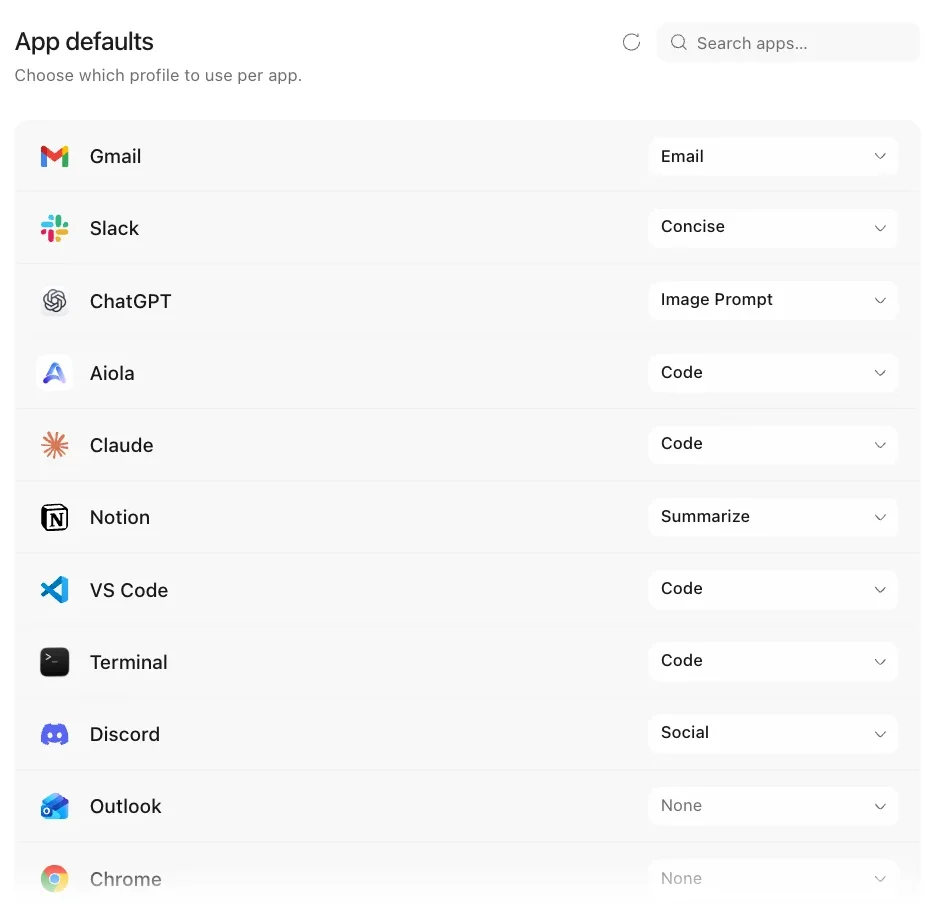
Pick a profile per app, and the right tone is already set when you press the shortcut.
Describe how you want your text rewritten, save it as a profile, and every rewrite follows it.
Select text in any app, browser or website, press the shortcut, and the better version replaces it right where you wrote it.























Select, press the shortcut, replace. The same three steps in every app.
01
Highlight an email, a message or a prompt in any app.
02
Cmd+Shift+E on Mac or Ctrl+Shift+E on Windows.
03
Edit the result if you like, then replace the original or copy it.
Practical guides on writing and prompting with AI.
Explainers · Aug 26, 2026 · 7 min
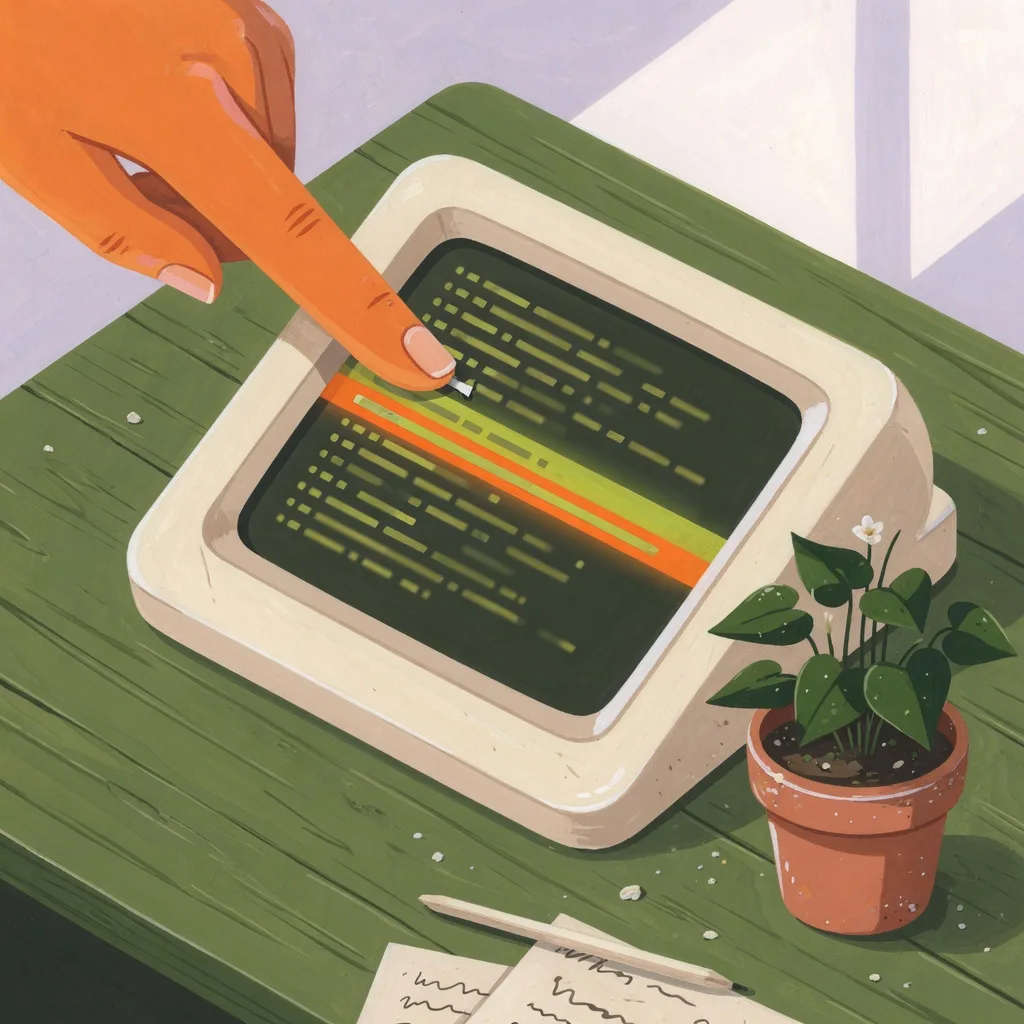
What Is a Terminal Prompt Enhancer?
A terminal prompt enhancer rewrites rough CLI instructions into clearer, tool-aware prompts, then lets you review and replace them without running the command.

Guides · Aug 26, 2026 · 8 min
Enhance Prompts in Claude Code, Codex CLI and Gemini CLI
PromptDC is the first and only app that enhances coding prompts inside the terminal, with tool-specific enhancement for Claude Code, Codex CLI, and Gemini CLI.

Comparisons · Aug 26, 2026 · 8 min
Desktop App or Chrome Extension: Which Should You Use?
Compare PromptDC for Desktop and Chrome extension, including app coverage, browser behavior, permissions, IDE support, and which surfaces to install.

Enhance any text you select in any app on desktop, in browsers, in your editor or terminals.
Download PromptDC